How It Works
Choose Your Sources
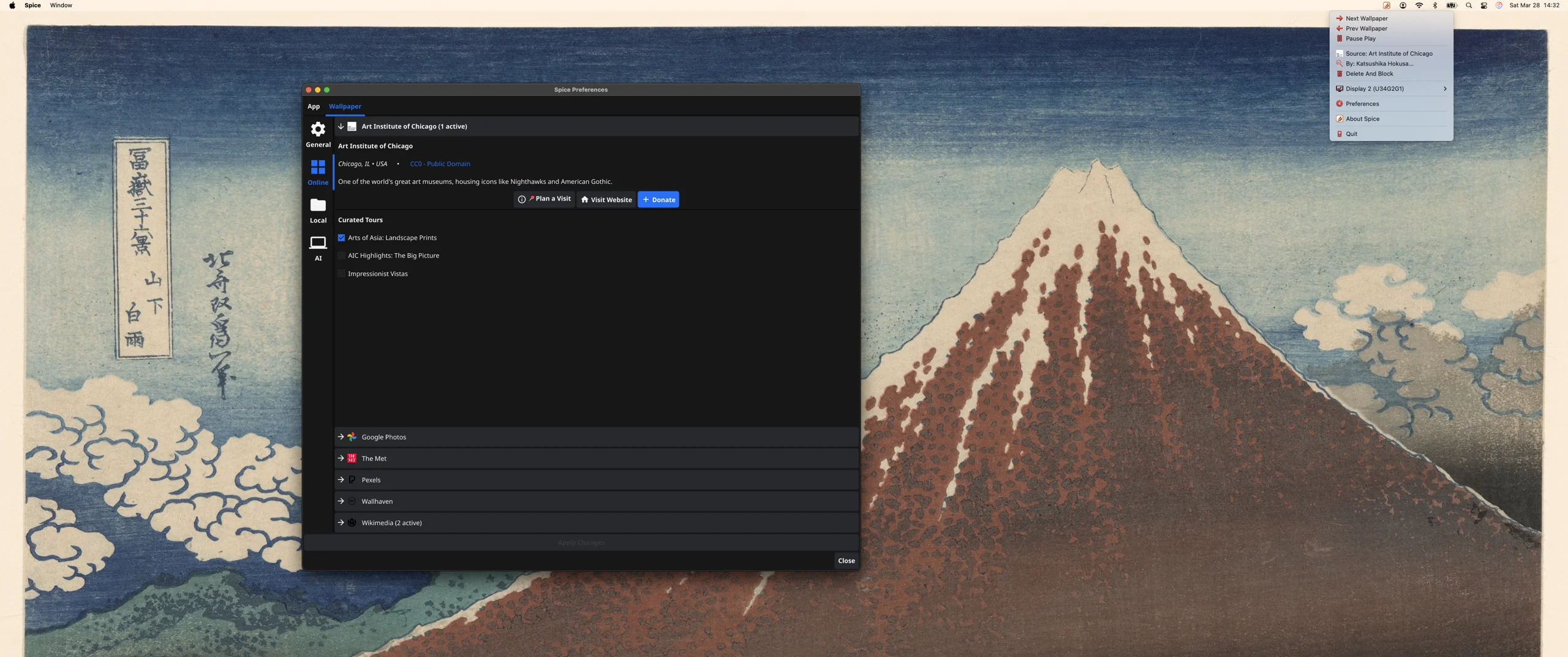
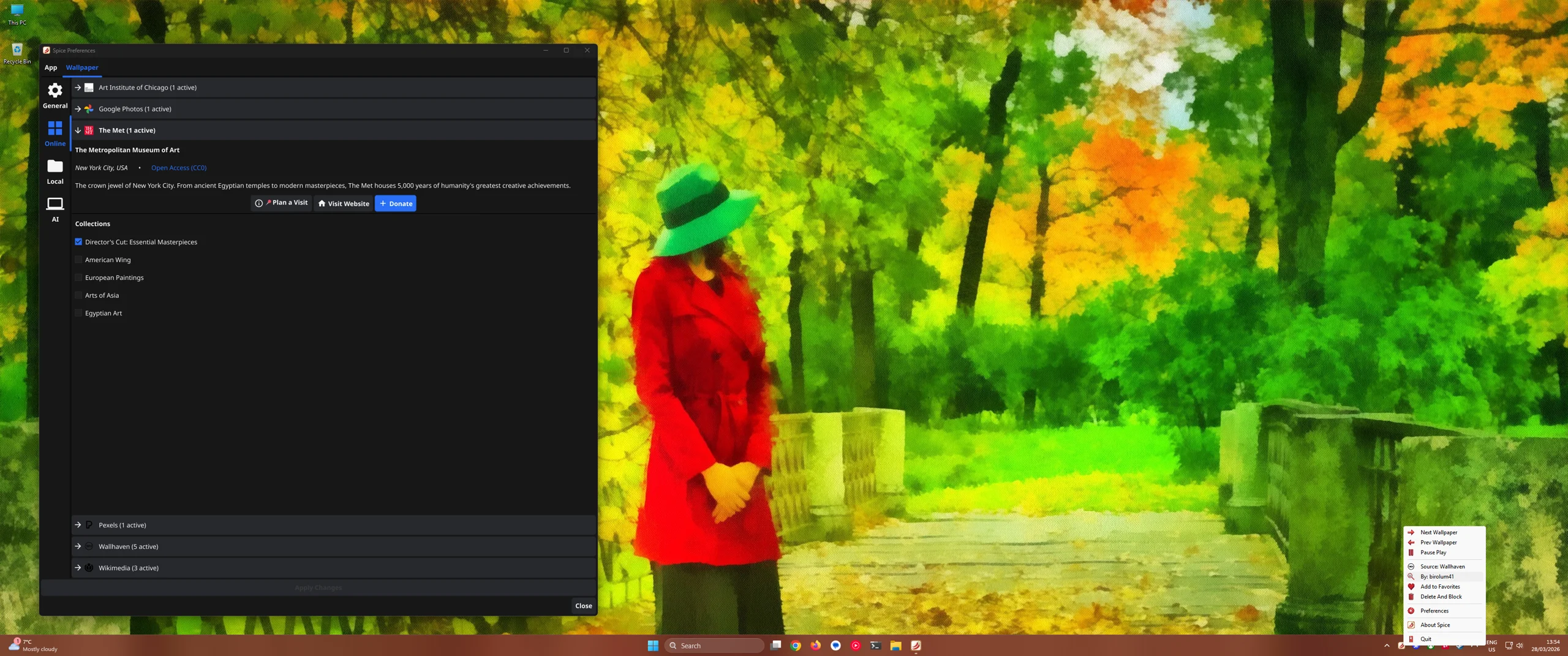
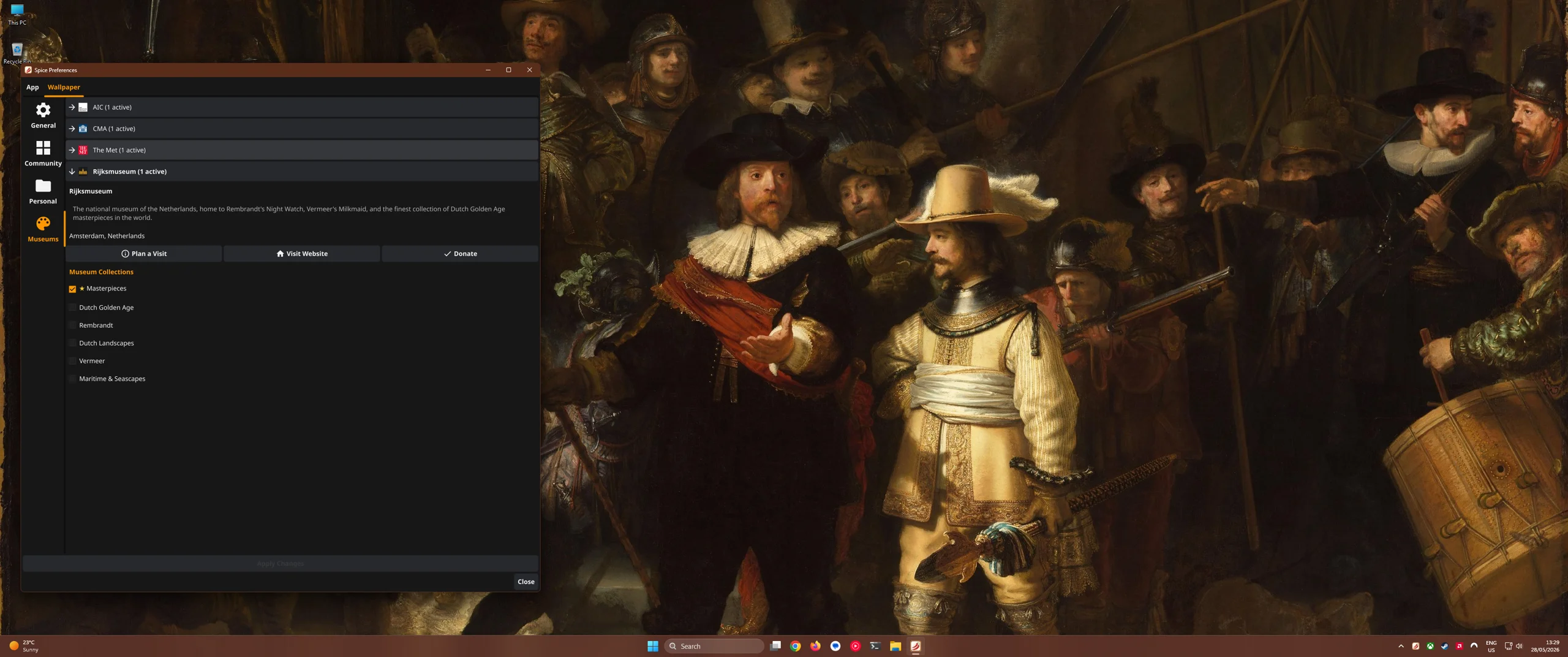
Pick from 13 providers — Wallhaven, Pexels, Google Photos, The Met, Art Institute of Chicago, Cleveland Museum of Art, Rijksmuseum, National Palace Museum, Statens Museum for Kunst, Getty Images, Wikimedia, local folders, or your favorites collection.
Set Your Schedule
Set a custom freeform minute-based schedule — or skip the timer and change wallpapers on-demand with global keyboard shortcuts.
Enjoy
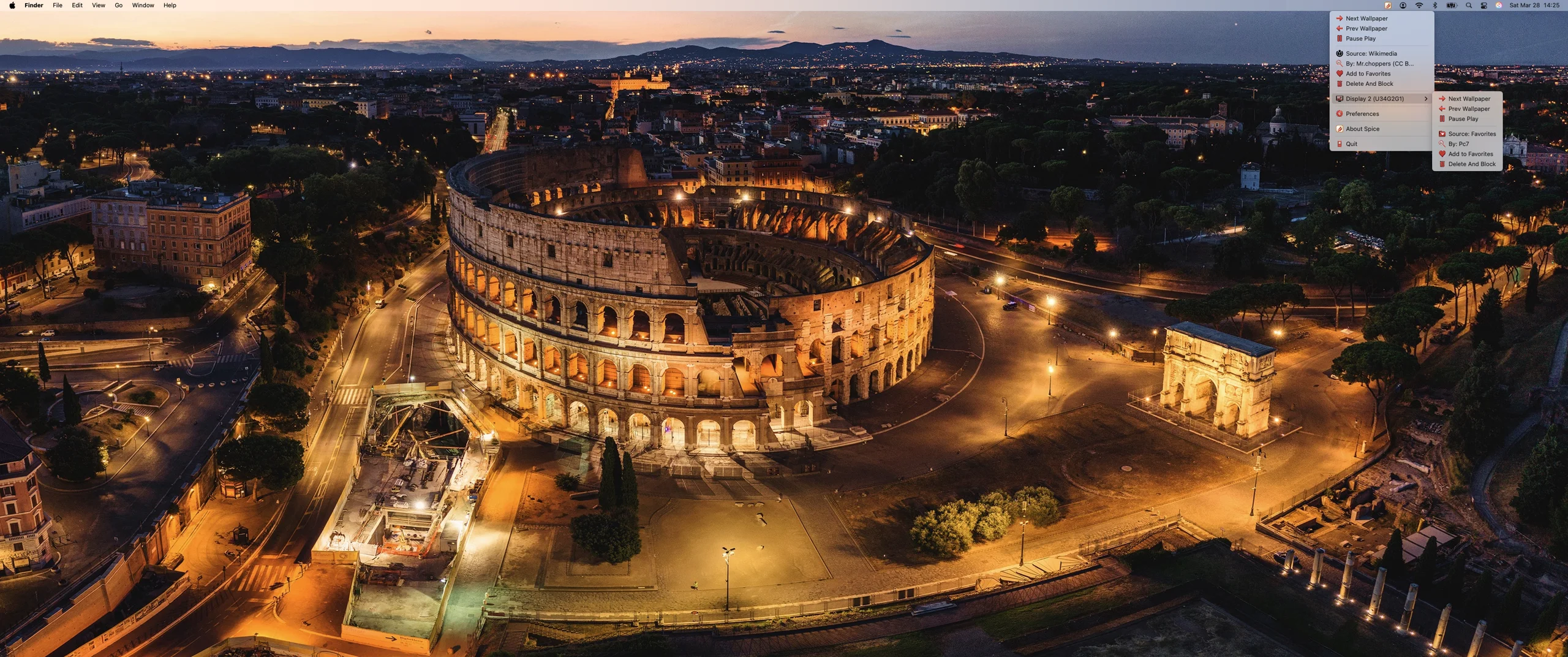
Spice runs silently in your macOS menu bar or Windows system tray. Your desktop stays fresh without lifting a finger.
⚡ Featherweight Performance
Engineered in native Go to be completely invisible to your CPU. Spice processes massive 4K images in the background without dropping a single frame of your games or work.
🛡️ Local-First Privacy
Your API keys and personal Google Photos never leave your machine. All image cropping and AI face detection happens 100% locally on your hardware.
🔄 Auto-Cycling
Set your interval and Spice rotates wallpapers automatically. Your desktop stays fresh without lifting a finger.
🖥️ Multi-Monitor
Independent wallpapers for every display. Portrait monitors get portrait art. Ultrawide gets ultrawide compositions.
🖼️ Virtual Museum Frame
Display the entire uncropped image on a generated background. Automatically rescue extreme portraits and landscapes by framing them instead of cropping, preserving their original aspect ratio.
🔗 Browser Extension
See a wallpaper you love online? One click sends it straight to your desktop via Chrome, Firefox, or Safari.
📸 12 Sources
Wallhaven, Pexels, Google Photos, The Met, Art Institute of Chicago, Cleveland Museum of Art, Rijksmuseum, National Palace Museum, Getty Images, Wikimedia Commons, local folders, and favorites.
🧠 Smart Fit + Tune Image
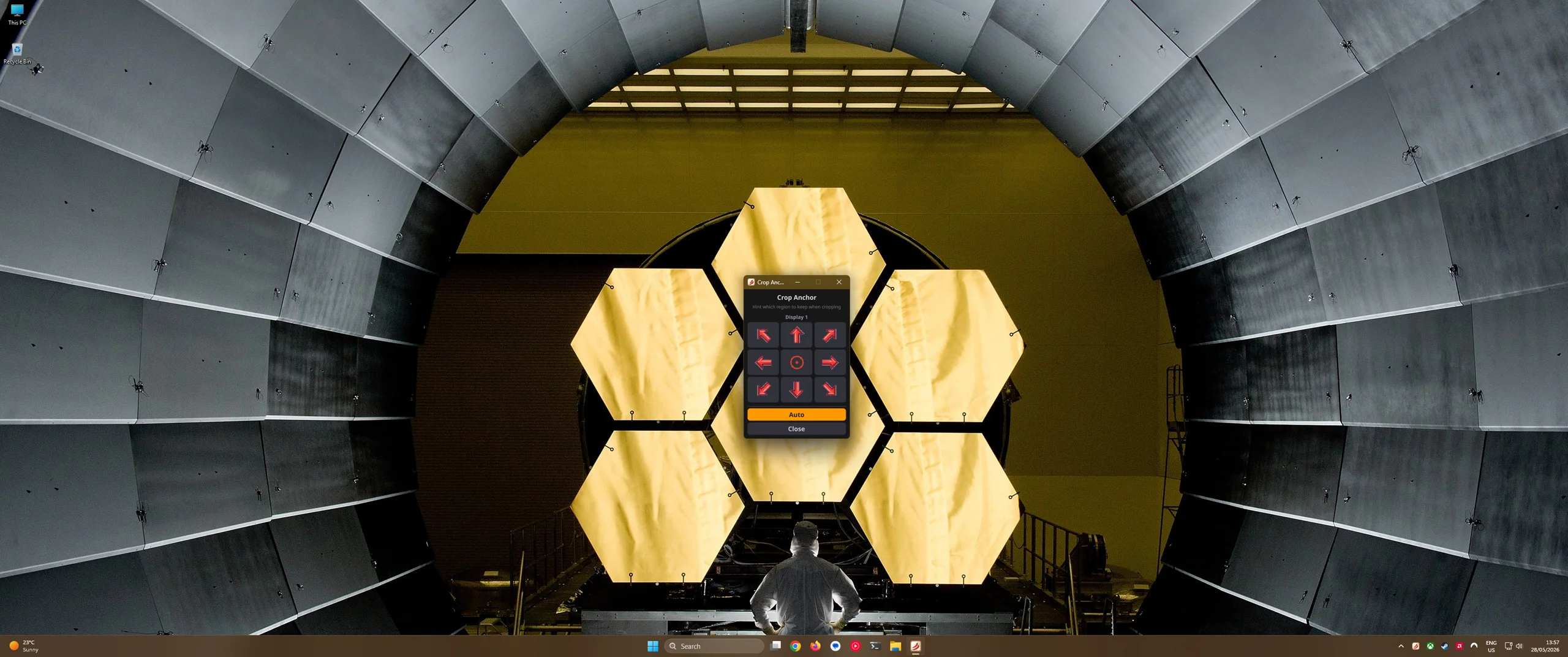
Intelligent cropping detects faces and compositions automatically. Open the Tune Image popup to hint which region to keep when cropping using a 9-direction anchor grid, or enable the Virtual Museum Frame to display the entire uncropped image.
⌨️ Global Hotkeys
Next, previous, shuffle, favorite, info, or block — control your wallpapers from anywhere with global keyboard shortcuts.
Smart Fit Technology
Spice intelligently crops wallpapers to match your exact display — even ultrawide 21:9 monitors.

Companion Browser Extension
One-click any image online and send it straight to your desktop.